Throughout the course, you will progressively build practical applications, improve user interfaces, implement responsive layouts, and develop interactive frontend behavior while strengthening your understanding of clean code structure, reusable components, and scalable development practices.
The program delivery dates and teachers will appear here once a teacher starts the program.
What you will build
Program Summary
Frontend development is more than making websites look good.
It is the process of building interfaces people can actually use comfortably, understand easily, and interact with naturally.
This program is designed for you if you are tired of jumping between random tutorials and want to finally understand how frontend development works inside real projects.
Instead of learning HTML, CSS, and JavaScript separately through disconnected exercises, you will progressively build complete frontend applications while understanding how modern frontend systems are structured, improved, debugged, and maintained professionally.
Throughout the program, you will work on real portfolio projects, create implementation tasks, upload proof of work, organize frontend workflows, receive instructor feedback, and improve your projects gradually just like developers do in real environments.
By the end of the program, you will not only understand frontend concepts, you will also have portfolio-ready projects you can showcase in internships, freelance work, university portfolios, or junior developer applications.
How You Learn In This Program
This is a project-based learning program.
You learn by building.
Every module improves a real frontend application while introducing frontend concepts naturally through implementation work.
The workflow intentionally mirrors how frontend development feels in real-world environments:
Build something
→ Break something
→ Debug it
→ Improve it
→ Refactor it
→ Make it responsive
→ Add functionality
→ Organize the project better
You begin by building a modern booking website inspired by platforms like Airbnb.
The project introduces frontend structure, layouts, responsiveness, forms, navigation systems, interactive UI behavior, and frontend organization.
As the modules progress, you gradually transform the platform into a polished responsive frontend application.
Features you will build include:
Responsive landing pages
Property listings
Booking sections
Contact forms
Email booking workflows
Responsive navigation
Mobile layouts
Interactive sections
As you build StayEasy, you begin understanding:
How layouts are organized
How responsiveness works
How interfaces guide users
How JavaScript improves interactivity
How frontend projects evolve gradually
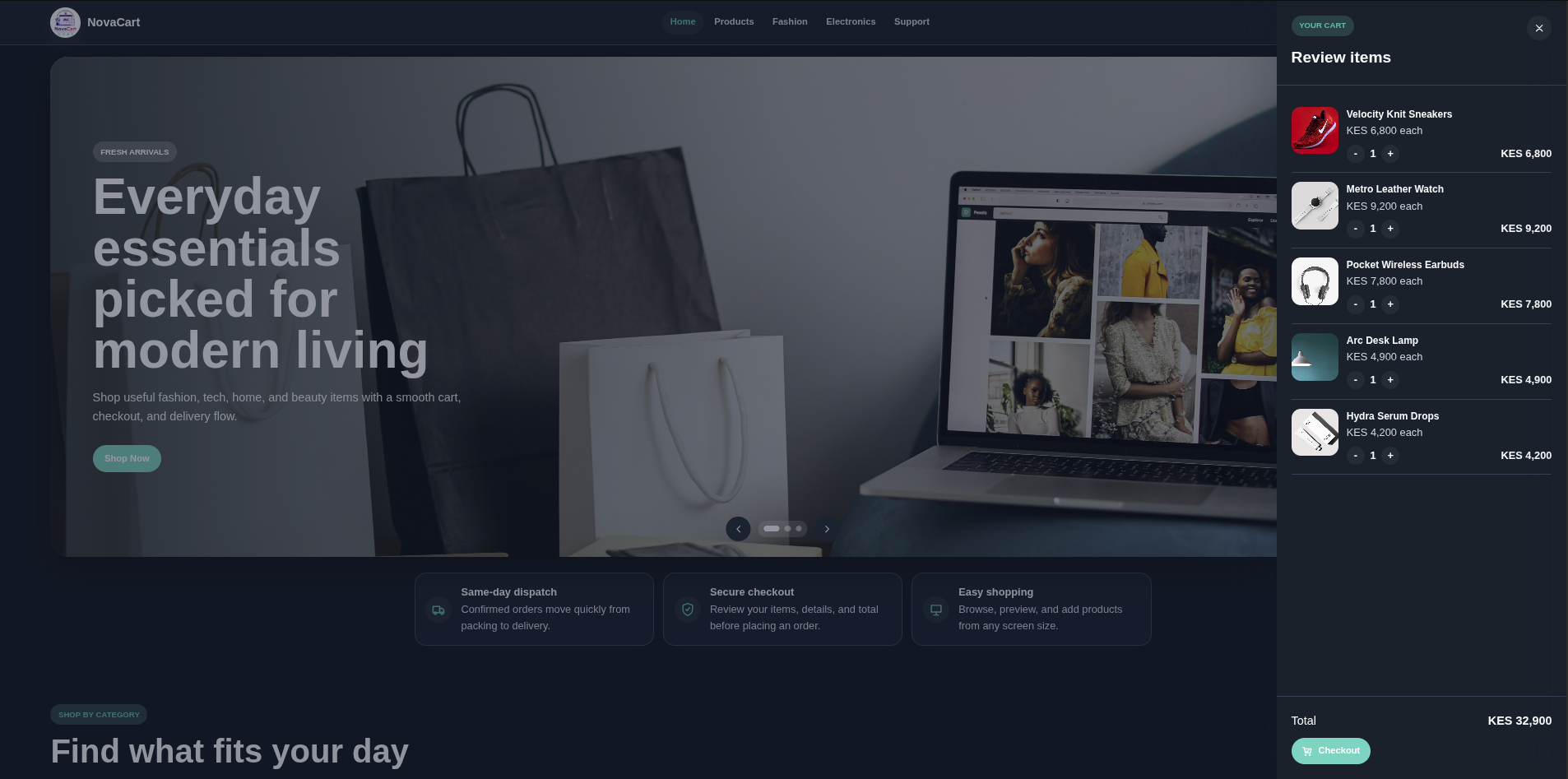
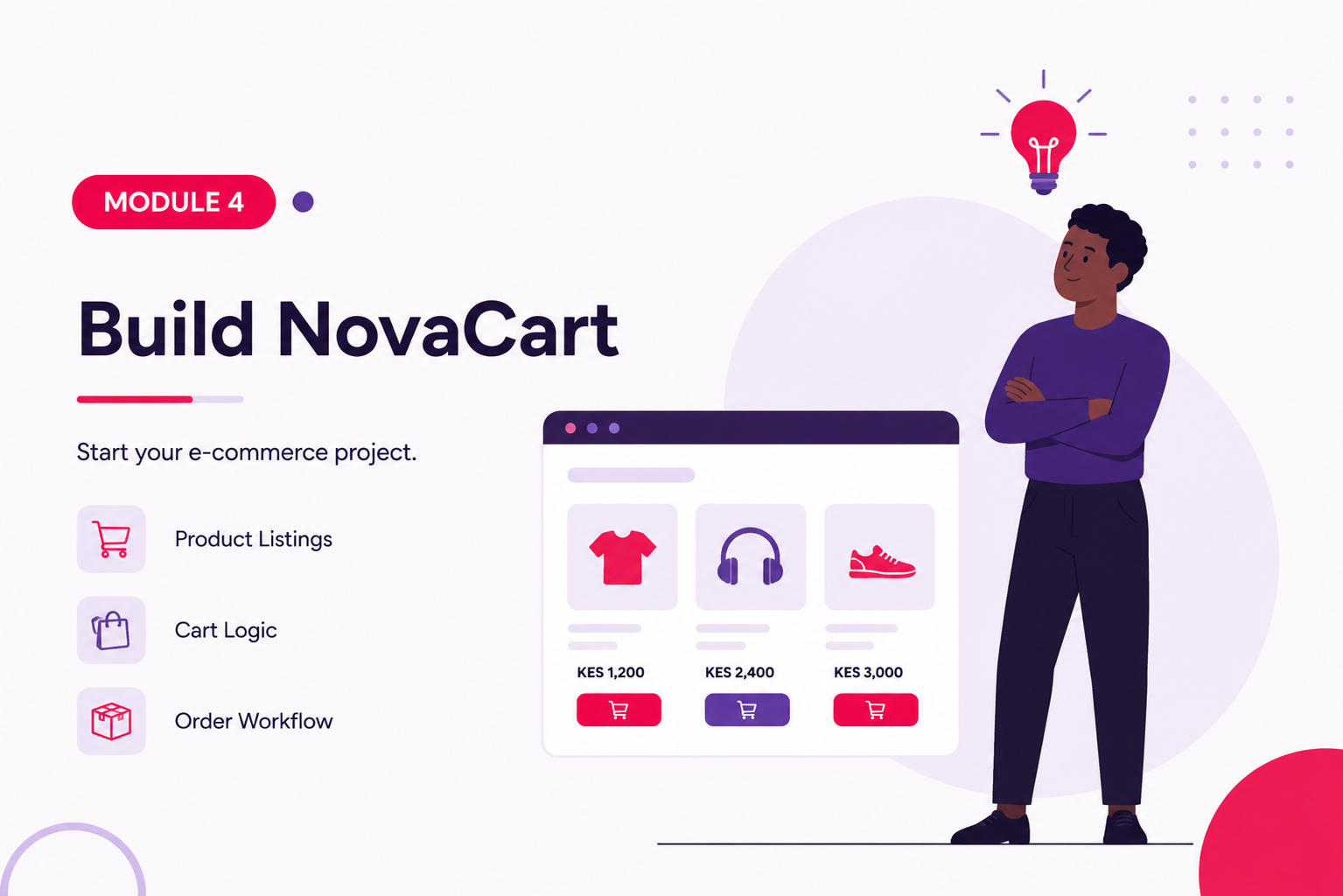
Project 2: NovaCart E-Commerce Platform
novacart.png861.66 KB
After completing StayEasy, you transition into a more advanced frontend application focused on e-commerce workflows and frontend functionality.
This project introduces dynamic rendering, shopping cart systems, checkout logic, frontend state handling, and application-style thinking.
Features you will build include:
Product listing pages
Shopping cart systems
Checkout workflows
Shipment tracking UI
Order management sections
Admin dashboard interfaces
Dynamic JavaScript interactions
Frontend state updates
As you progress through NovaCart, you begin understanding:
How frontend applications behave
How JavaScript controls interfaces
How frontend state changes dynamically
How larger frontend systems stay organized
How modern applications scale
Program Structure
The program is divided into 6 modules.
Each module builds directly on the previous one so you improve gradually without feeling overwhelmed.
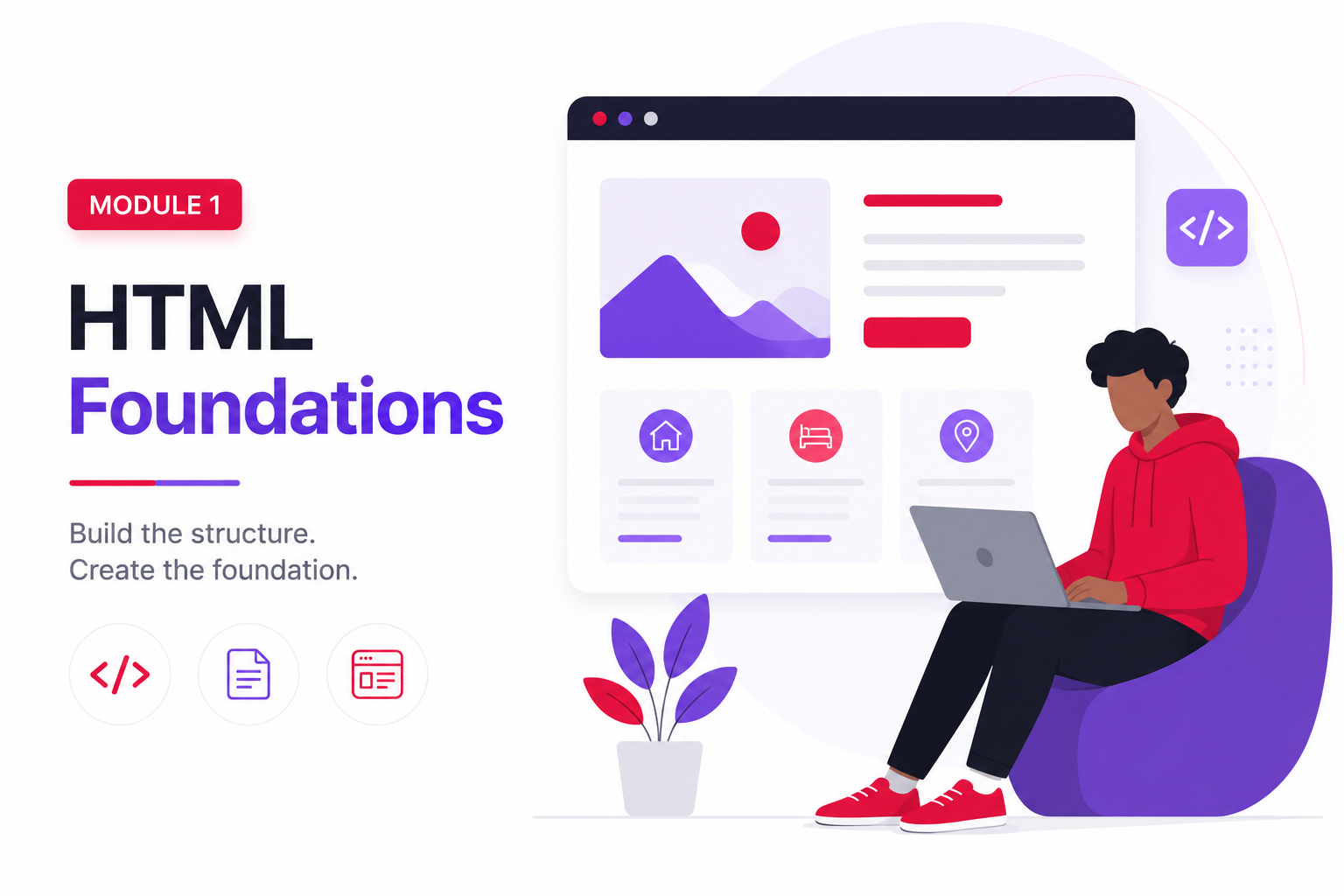
Module 1: HTML Foundations and Web Structure
frontend_dev_module1.png1.13 MB
You begin by understanding how websites are structured using HTML.
At this stage, you stop seeing websites as random visuals and start understanding how browsers interpret frontend structure underneath the interface.
You begin building the StayEasy platform while learning:
HTML syntax
Semantic HTML
Forms
Links and navigation
Images and media
Page structure
Accessibility basics
Frontend file organization
You create implementation tasks related to:
Building homepage structure
Creating navigation layouts
Building footer sections
Structuring listing pages
Organizing frontend files
By the end of the module, you should feel comfortable reading and building structured frontend pages instead of copying random snippets without understanding them.
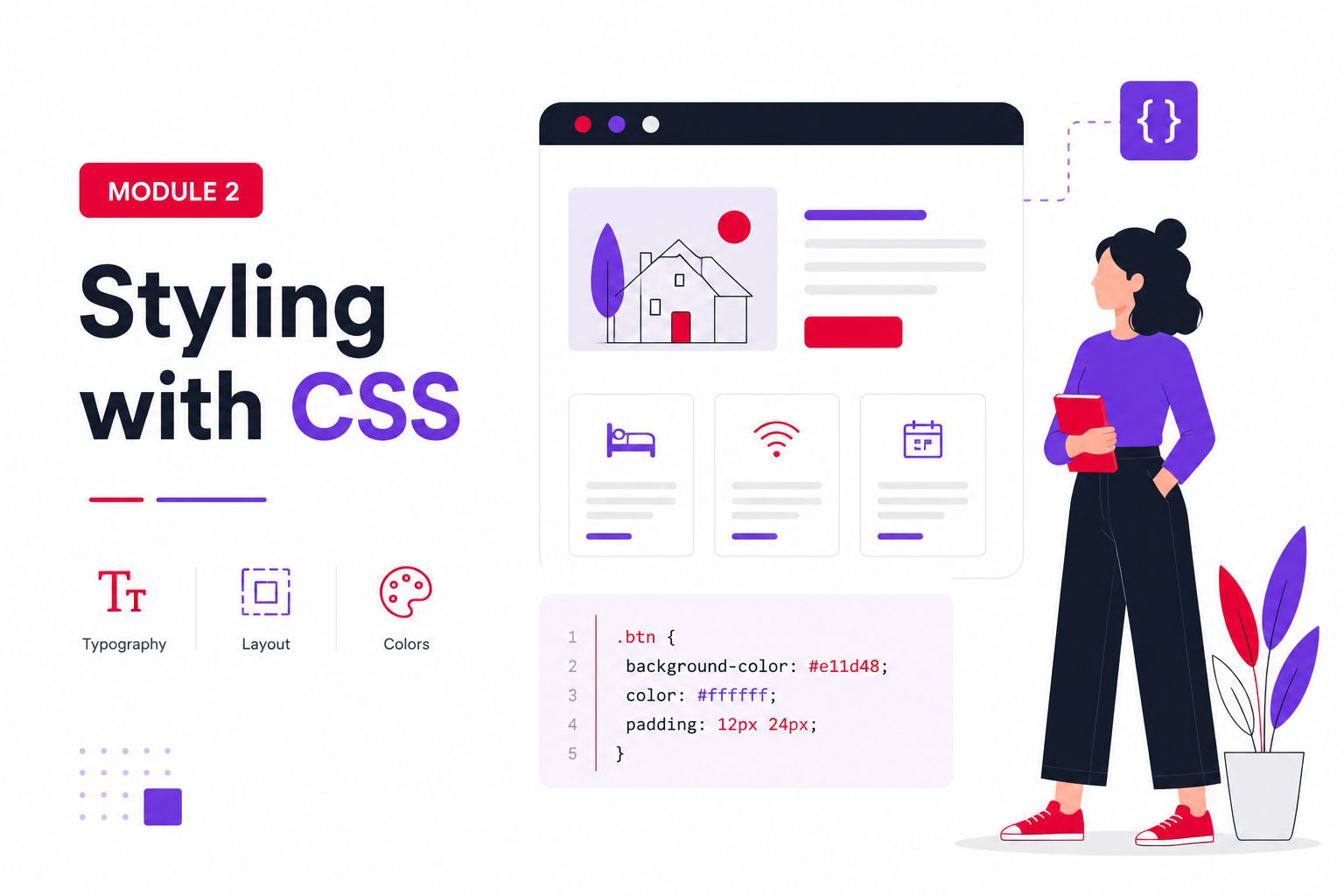
Module 2: CSS Fundamentals and Responsive Design
frontend_dev_module2.png1.14 MB
You now begin transforming structure into visually organized interfaces using CSS and Bootstrap.
At this stage, your project begins looking more like a real frontend application instead of plain structured pages.
You continue improving StayEasy while learning:
CSS selectors
Typography
Spacing systems
Box model
Flexbox
Responsive layouts
Bootstrap fundamentals
Frontend styling workflows
You create implementation tasks related to:
Styling navigation
Building hero sections
Creating responsive property cards
Improving layout spacing
Building mobile layouts
Improving responsiveness
By the end of the module, you should understand how responsive frontend layouts are designed and why frontend consistency matters.
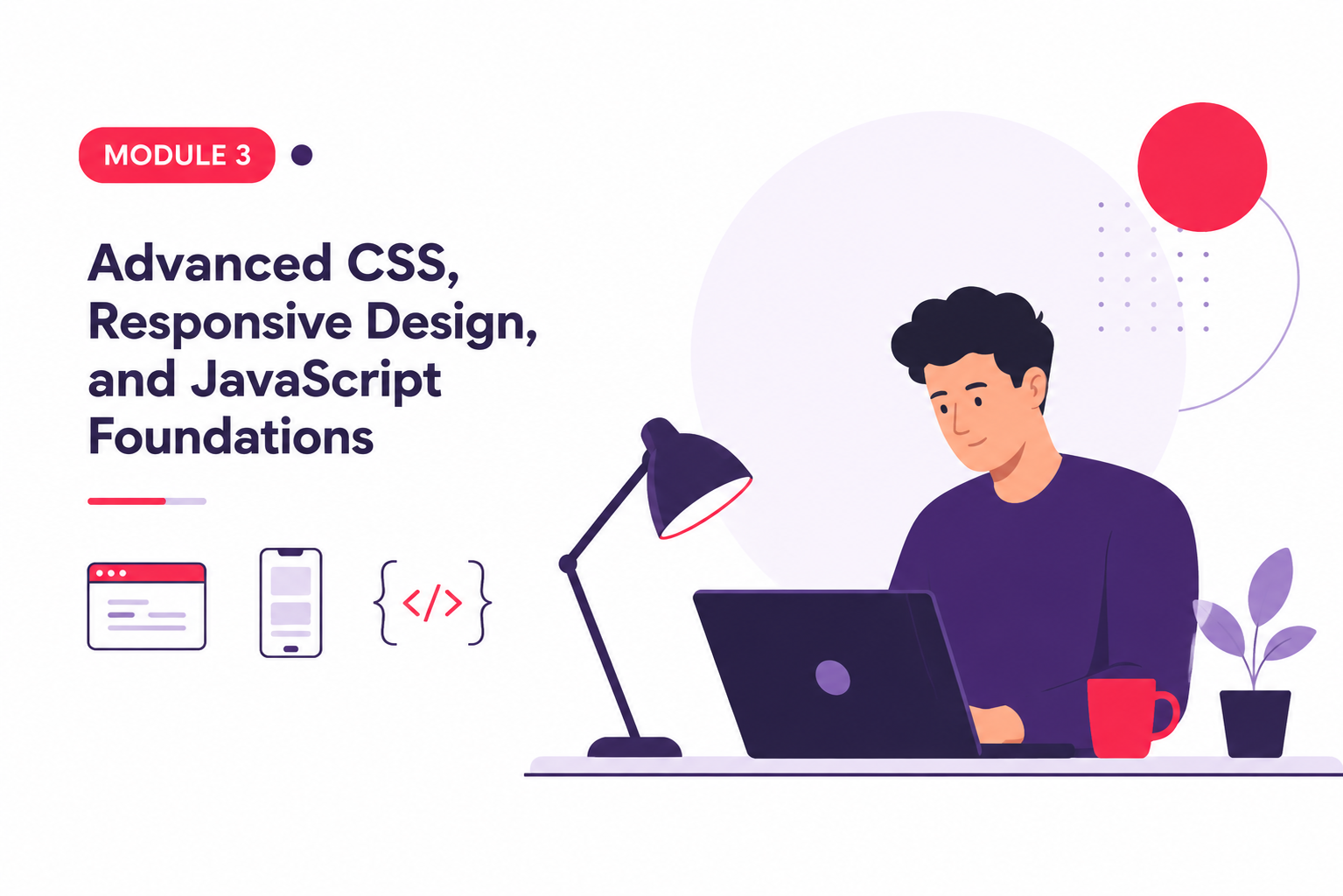
Module 3: Advanced CSS and Introductory JavaScript
frontend_dev_module3.png934.88 KB
At this stage, your project begins feeling more interactive and alive.
You continue improving StayEasy while introducing JavaScript interactions and frontend behavior.
Improving responsive layouts
Adding frontend interactions
Creating animated sections
Improving mobile responsiveness
Building interactive booking sections
Refining frontend layouts
By the end of this module, you complete your first portfolio-ready frontend application and begin feeling more confident building responsive interactive websites independently.
Module 4: JavaScript Foundations and Dynamic Frontend Development
frontend_dev_module4.png959.38 KB
You now transition deeper into JavaScript-driven frontend workflows.
At this stage, you begin understanding how frontend applications behave internally instead of only focusing on visuals.
You begin the NovaCart project while learning:
Arrays
Objects
Loops
Conditional statements
Dynamic rendering
Frontend state concepts
DOM updates
Cart systems
You create implementation tasks related to:
Rendering products dynamically
Creating product systems
Building product cards
Implementing add-to-cart workflows
Handling frontend updates
By the end of this module, you should understand how JavaScript transforms static websites into interactive applications.
Module 5: Functional Frontend Development and Application Logic
frontend_dev_module5.png997.56 KB
At this stage, you begin building larger frontend workflows and application-style functionality.
Your frontend projects now begin behaving more like real-world systems.
You continue improving NovaCart while learning:
Shopping cart systems
Quantity updates
Checkout workflows
Order calculations
Shipment tracking
Admin interfaces
Frontend workflow handling
You create implementation tasks related to:
Updating cart quantities
Implementing checkout logic
Managing orders
Building tracking systems
Improving application workflows
By the end of this module, you should begin understanding how frontend applications manage workflows, interactions, and application state internally.
Module 6: Advanced Frontend Architecture and Workflow Organization
frontend_dev_module6.png1 MB
In the final module, you focus on improving frontend organization, scalability, maintainability, and frontend architecture thinking.
You finalize NovaCart while learning concepts that prepare you for larger frontend systems and frameworks.
By the end of the module, you should feel significantly more confident approaching larger frontend systems and transitioning into modern frontend frameworks more comfortably.
How You Are Reviewed
You are reviewed based on actual implementation work instead of memorization alone.
Throughout the program, you are expected to upload:
Build responsive frontend applications
Structure frontend projects properly
Create maintainable layouts
Use JavaScript confidently
Manipulate the DOM
Build frontend workflows
Organize frontend systems professionally
Work with GitHub workflows
Build portfolio-ready projects
Transition into frameworks more confidently
Most importantly, you should leave understanding that frontend development is not simply decorating pages.
It is the process of building interfaces that communicate clearly, behave predictably, and respond properly to users.
We use essential cookies for security and performance. Optional analytics cookies help us improve service quality.
Privacy Policy